
How to Program a Linear Garage Door Remote: Easy Guide
If you’re a homeowner who just bought a new Linear garage door remote for your existing opener system — whether for a second vehicle, a new driver in the household, or a lost remote — you’ll need to pair it using the Learn button on your garage door opener. This guide explains how to program a Linear garage door opener remote in just a few steps.
And if you’d prefer expert help or your system isn’t responding, 24H Services offers fast, reliable support across all types of garage setups.
What to Do Before You Begin Programming
Before jumping into how to program a Linear garage door opener remote, take a moment to get set up properly. Here’s what you’ll need:
- A working Linear remote with fresh batteries
- A safe way to access your garage door opener (a step stool or ladder)
- A few minutes of quiet time to complete the process
Most Linear models use a “Learn” button to connect remotes. Once you find that button, the rest falls into place. Don’t worry — no special tools or technical skills are required.
Step-by-Step: How Do You Program a Linear Garage Door Opener
To connect your new Linear remote, you’ll need to program it through the opener using the steps below.
1. Locate the Learn Button
Head to your garage door opener (the unit on the ceiling). Look for a small button labeled “Learn” — usually near the antenna wire or under the light cover.
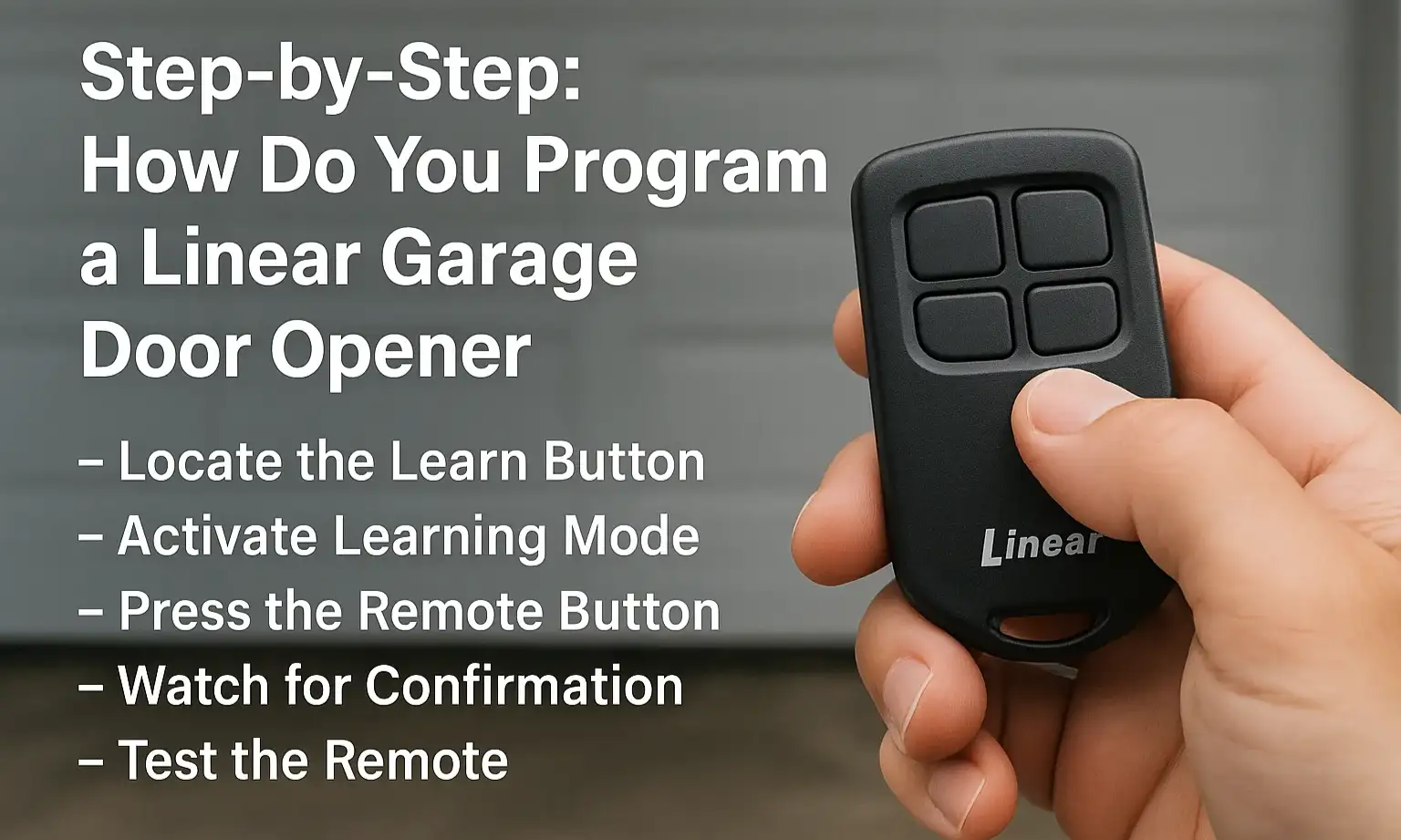
2. Activate Learning Mode
Press the Learn button once (don’t hold it). A small LED light should turn on or blink. This means the opener is ready to connect.
3. Press the Remote Button
Within 30 seconds, press and hold the button on your Linear remote that you want to program. Keep it held until the LED on the opener flashes or you hear a click.
4. Watch for Confirmation
When the LED blinks or you hear the click, release the remote button. This signals that the remote has been accepted by the opener.
5. Test the Remote
Press the same button again and see if your garage door moves. If it does, you’ve just successfully learned how to program a Linear garage door remote to work with your opener. If nothing happens, repeat the steps a little faster, or check the battery before trying again.
Now that you’ve synced your device, let’s go over what to do if something doesn’t go as planned.
Quick Troubleshooting if Programming Fails
- Remote doesn’t respond? Try replacing the battery.
- No LED on the opener? Make sure it’s plugged in or reset the unit.
- Still not syncing? Hold the Learn button for 10 seconds until the LED turns off to clear memory, then try again.
- Opener’s memory full? Clear out all stored codes before reprogramming.
If you’re still wondering how to program a Linear garage door opener when none of this works, give 24H Services a call — we’re available 24/7 to troubleshoot or reprogram your system for you.
How to Pair a Linear Garage Door Opener with a New Remote
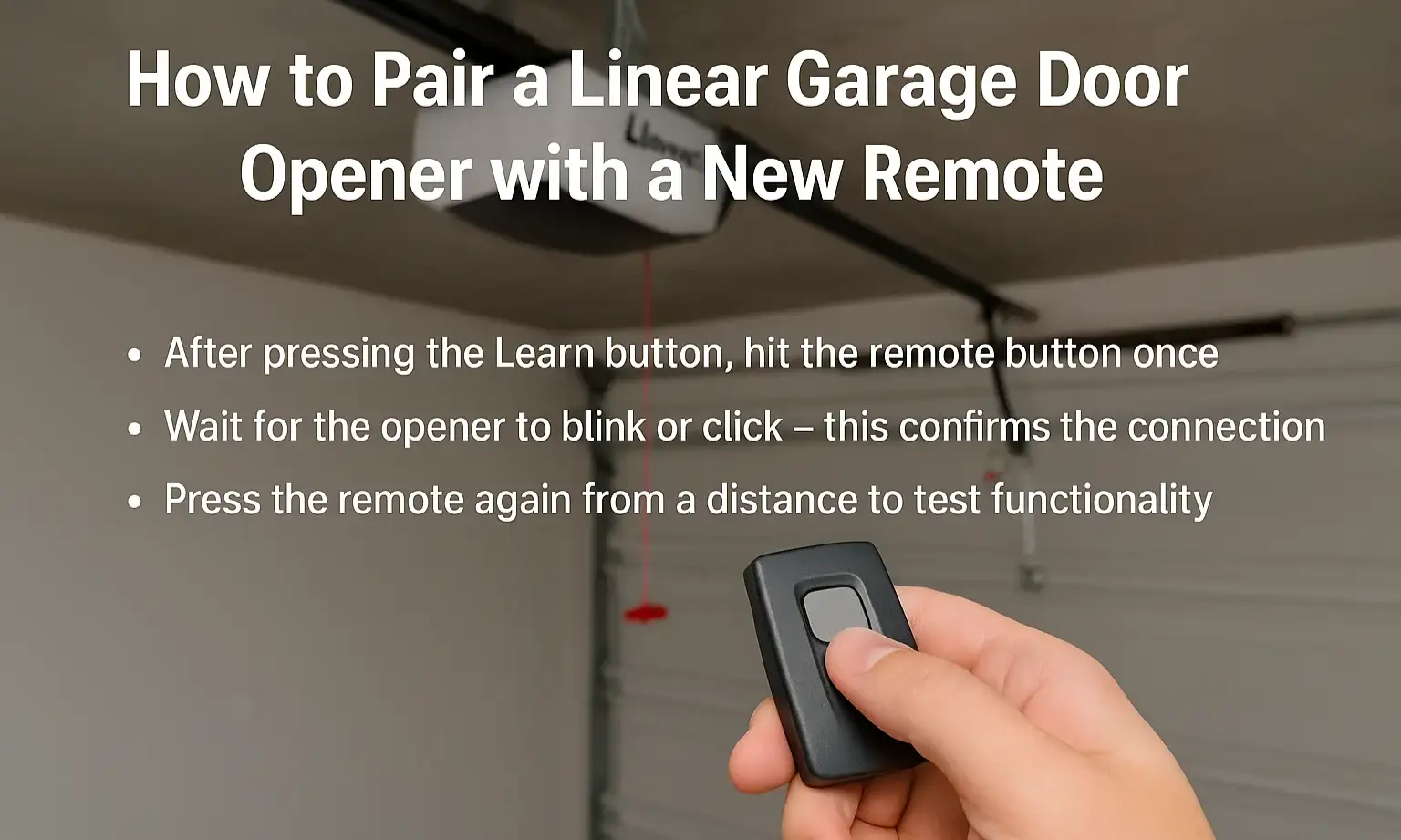
Pairing is simply the last step of programming — making sure the opener and remote talk to each other. If you’re still wondering how to pair a Linear garage door opener, here’s the quick version:
- After pressing the Learn button, hit the remote button once
- Wait for the opener to blink or click — this confirms the connection
- Press the remote again from a distance to test functionality
If the door doesn’t move, repeat the steps — but do them faster. Timing matters more than most people think. It’s also smart to stand close to the opener during setup.
Trust 24H Services When You Need It Done Right
You don’t have to be a tech expert to figure out how to program a Linear garage door opener remote— just follow the steps, take your time, and keep a calm head. Most remotes can be programmed in under five minutes. Still, if the setup doesn’t go smoothly, or if your opener feels outdated or unreliable, that’s where 24H Services steps in. We offer fast, reliable garage door opener services for homes, businesses, and everything in between. Call now to schedule service — or book online through our Contact page by filling out the form.
Frequently Asked Questions
Can I program more than one Linear remote to the same opener?
Yes, most Linear openers support multiple remotes — just repeat the pairing steps for each one.
What if my Learn button doesn’t respond when pressed?
Try unplugging the opener for 30 seconds, then plug it back in and try again. If that fails, the button may be damaged.
Do I need to erase the old remote before adding a new one?
Not always. But if memory is full or you want to clear all previous remotes, hold the Learn button for 10 seconds to reset.
Can I program a Linear remote without a Learn button?
No — the Learn button is essential for syncing the remote to the opener. If yours is missing, contact a professional.